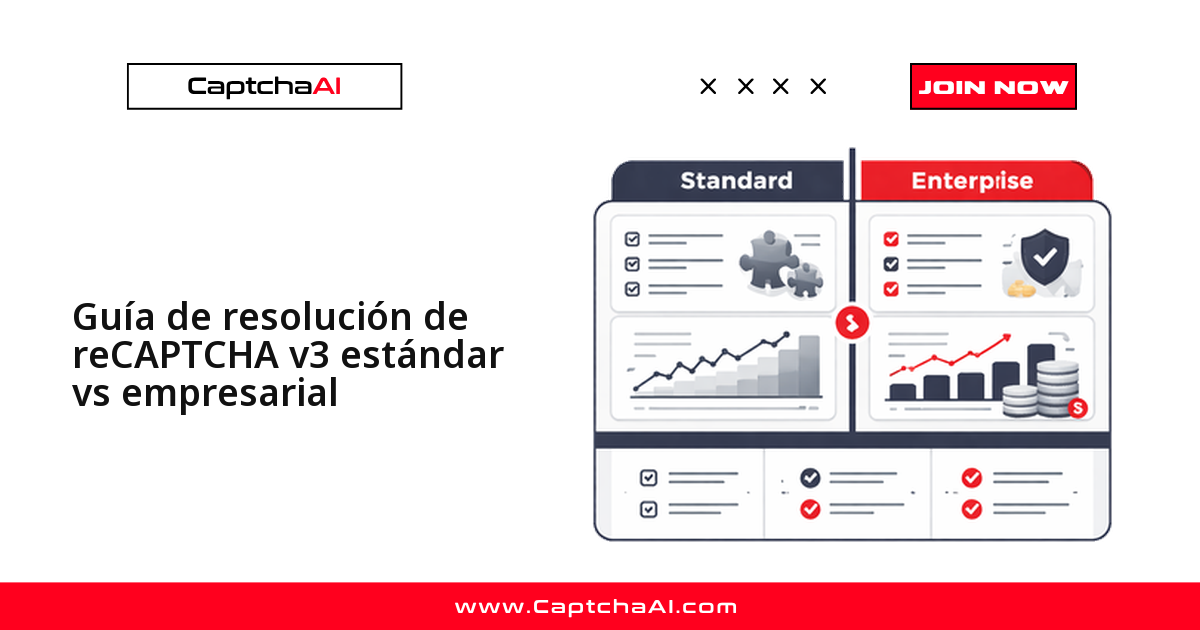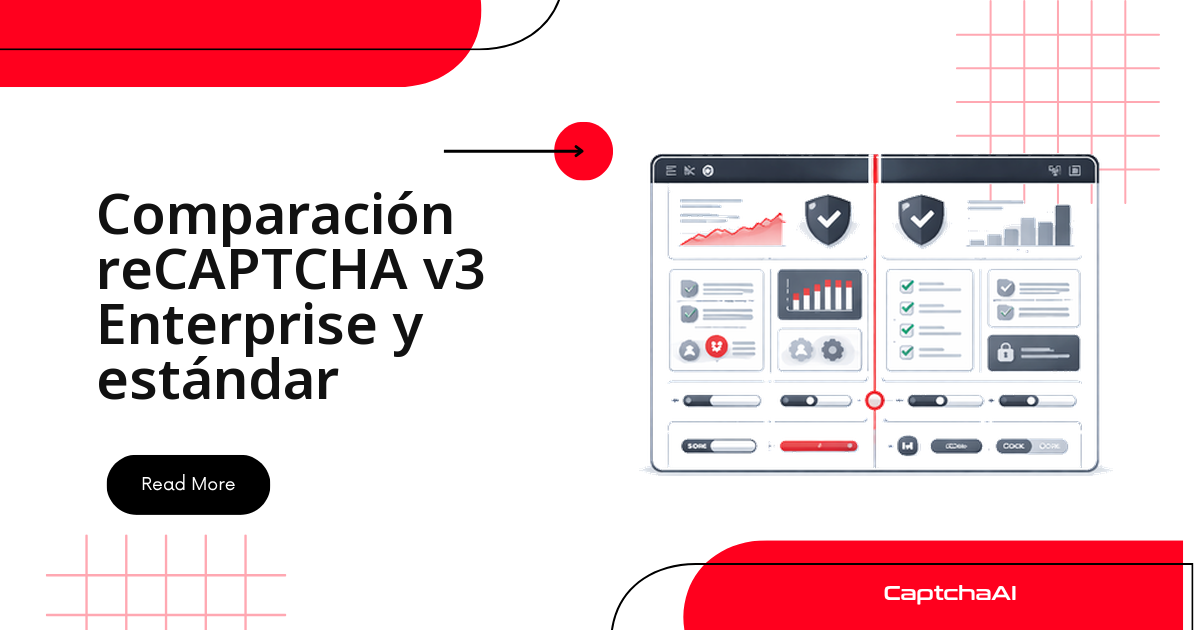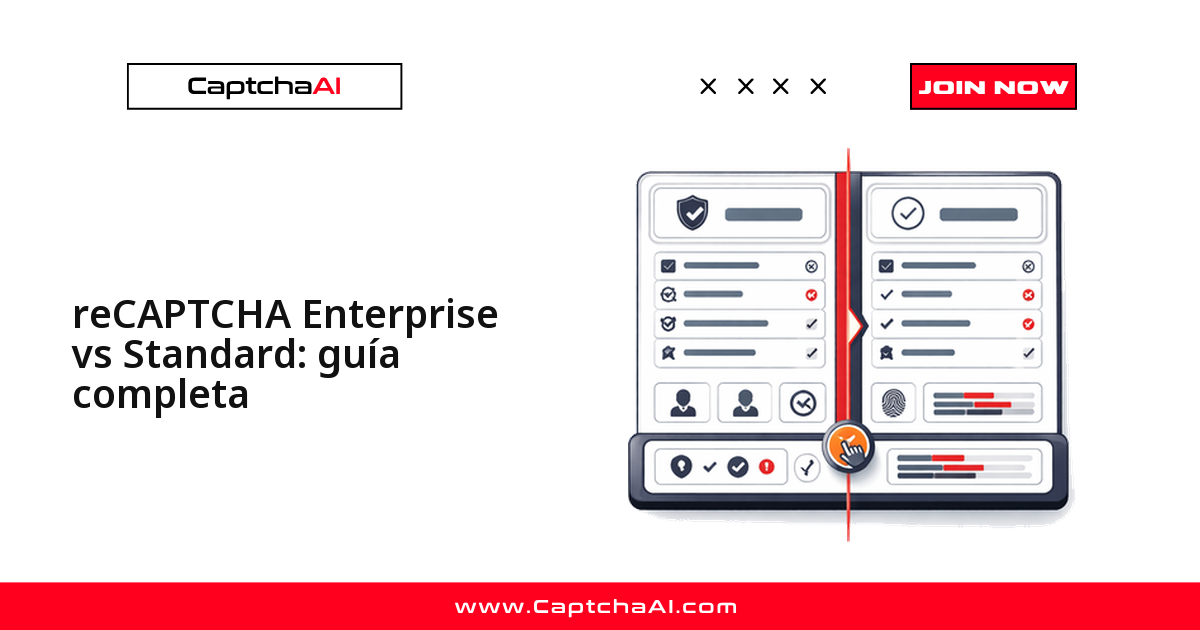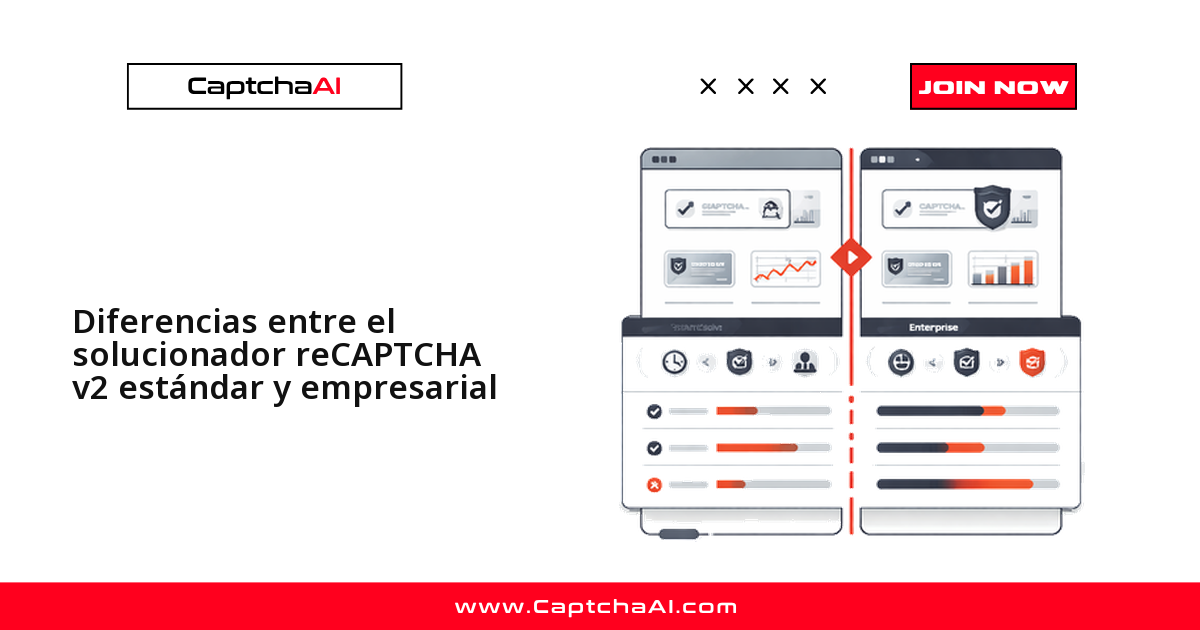
Respuesta corta: para el solucionador casi no hay diferencia entre la v2 estándar y la Enterprise. Lo esencial:
- Misma mecánica: casilla "No soy un robot" y cuadrículas de imágenes.
- Único cambio de código: añadir
enterprise=1a la solicitud a CaptchaAI. - La versión se detecta por el archivo JavaScript que carga la página.
Ejemplo real: un portal de cita previa se actualiza a Enterprise y tu script deja de validar sin que tocaras nada. Detectar ese cambio a tiempo es lo que más se les escapa a las integraciones.
Cómo saber qué versión monta el sitio
La versión se delata en el archivo JavaScript que carga la página. El sitekey sale del data-sitekey en .g-recaptcha y es el mismo en ambas versiones:
- Estándar v2 carga
api.js. - Enterprise v2 carga
enterprise.js.
<!-- Standard v2 -->
<script src="https://www.google.com/recaptcha/api.js"></script>

<!-- Enterprise v2 -->
<script src="https://www.google.com/recaptcha/enterprise.js"></script>
import requests
from bs4 import BeautifulSoup

def detect_recaptcha_version(url):
    resp = requests.get(url)
    soup = BeautifulSoup(resp.text, "html.parser")

    enterprise_script = soup.find("script", src=lambda s: s and "enterprise.js" in s)
    standard_script = soup.find("script", src=lambda s: s and "recaptcha/api.js" in s)

    widget = soup.find(class_="g-recaptcha")
    sitekey = widget["data-sitekey"] if widget else None

    if enterprise_script:
        return {"version": "enterprise_v2", "sitekey": sitekey}
    elif standard_script:
        return {"version": "standard_v2", "sitekey": sitekey}
    return None

info = detect_recaptcha_version("https://staging.example.com/qa-login")
print(info)
const axios = require("axios");
const cheerio = require("cheerio");

async function detectRecaptchaVersion(url) {
  const { data } = await axios.get(url);
  const $ = cheerio.load(data);

  const hasEnterprise = $('script[src*="enterprise.js"]').length > 0;
  const hasStandard = $('script[src*="recaptcha/api.js"]').length > 0;
  const sitekey = $(".g-recaptcha").attr("data-sitekey");

  if (hasEnterprise) return { version: "enterprise_v2", sitekey };
  if (hasStandard) return { version: "standard_v2", sitekey };
  return null;
}
// Quick check in DevTools
if (document.querySelector('script[src*="enterprise.js"]')) {
  console.log("Enterprise v2");
} else if (document.querySelector('script[src*="recaptcha/api.js"]')) {
  console.log("Standard v2");
}
Qué cambia entre estándar y Enterprise
Para el usuario y para el solver no cambia nada. La diferencia es lo que Enterprise añade en el backend: códigos de motivo, reglas por acción y Google Cloud.
| Característica | Estándar v2 | Enterprise v2 |
|---|---|---|
| Widget de casilla | Sí, idéntico | Sí, idéntico |
| Desafíos de imagen | 3×3 o 4×4 | 3×3 o 4×4 |
| Archivo JS | api.js |
enterprise.js |
| Función de ejecución | grecaptcha.execute() |
grecaptcha.enterprise.execute() |
| API de verificación | siteverify (gratis) |
recaptchaenterprise.googleapis.com (de pago) |
| Códigos de motivo | No | Sí (AUTOMATION, TOO_MUCH_TRAFFIC, etc.) |
| Reglas personalizadas | No | Sí (umbrales por acción) |
| Google Cloud Console | No | Sí (gestión por proyecto) |
| Detección de fuga de contraseñas | No | Sí |
| Formato del token | Misma estructura | Misma estructura |
| Parámetro en CaptchaAI | — | enterprise=1 |
| Tiempo típico de resolución | 10–30 segundos | 10–30 segundos |
En resumen:
- Tu único cambio operativo es la bandera
enterprise=1. - El tiempo de resolución (10–30 s) es el mismo en las dos.
Resolver ambas versiones con CaptchaAI
Con la versión identificada, solo cambia un parámetro: enterprise=1 para Enterprise, nada para estándar. El envío, el sondeo y el token son iguales.
Estándar v2
import requests
import time

# Submit task
resp = requests.get("https://ocr.captchaai.com/in.php", params={
    "key": "YOUR_API_KEY",
    "method": "userrecaptcha",
    "googlekey": sitekey,
    "pageurl": page_url
})
task_id = resp.text.split("|")[1]

# Poll for token
for _ in range(60):
    time.sleep(5)
    result = requests.get("https://ocr.captchaai.com/res.php", params={
        "key": "YOUR_API_KEY", "action": "get", "id": task_id
    })
    if result.text.startswith("OK|"):
        token = result.text.split("|")[1]
        break
Enterprise v2
import requests
import time

# Submit task — only difference is enterprise=1
resp = requests.get("https://ocr.captchaai.com/in.php", params={
    "key": "YOUR_API_KEY",
    "method": "userrecaptcha",
    "googlekey": sitekey,
    "pageurl": page_url,
    "enterprise": 1  # Required for Enterprise
})
task_id = resp.text.split("|")[1]

# Polling is identical
for _ in range(60):
    time.sleep(5)
    result = requests.get("https://ocr.captchaai.com/res.php", params={
        "key": "YOUR_API_KEY", "action": "get", "id": task_id
    })
    if result.text.startswith("OK|"):
        token = result.text.split("|")[1]
        break
Un solo solver que detecta la versión
Como la única diferencia es la bandera, una sola clase detecta y resuelve sin duplicar código:
import requests
import time
from bs4 import BeautifulSoup

class RecaptchaV2Solver:
    def __init__(self, api_key):
        self.api_key = api_key

    def detect_and_solve(self, page_url, page_html=None):
        if not page_html:
            page_html = requests.get(page_url).text

        soup = BeautifulSoup(page_html, "html.parser")
        is_enterprise = bool(soup.find("script", src=lambda s: s and "enterprise.js" in s))
        widget = soup.find(class_="g-recaptcha")
        sitekey = widget["data-sitekey"] if widget else None

        if not sitekey:
            raise Exception("No reCAPTCHA sitekey found on page")

        params = {
            "key": self.api_key,
            "method": "userrecaptcha",
            "googlekey": sitekey,
            "pageurl": page_url
        }
        if is_enterprise:
            params["enterprise"] = 1

        resp = requests.get("https://ocr.captchaai.com/in.php", params=params)
        if not resp.text.startswith("OK|"):
            raise Exception(f"Submit failed: {resp.text}")

        task_id = resp.text.split("|")[1]

        for _ in range(60):
            time.sleep(5)
            result = requests.get("https://ocr.captchaai.com/res.php", params={
                "key": self.api_key, "action": "get", "id": task_id
            })
            if result.text.startswith("OK|"):
                return {
                    "token": result.text.split("|")[1],
                    "is_enterprise": is_enterprise,
                    "sitekey": sitekey
                }
            if result.text != "CAPCHA_NOT_READY":
                raise Exception(f"Solve failed: {result.text}")

        raise Exception("Solve timed out")


solver = RecaptchaV2Solver("YOUR_API_KEY")
result = solver.detect_and_solve("https://staging.example.com/qa-login")
print(f"Enterprise: {result['is_enterprise']}, Token: {result['token'][:40]}...")
Errores frecuentes al resolver v2 Enterprise
Casi todos los fallos vienen de la bandera, no del solver:
| Error | Qué ocurre | Solución |
|---|---|---|
Usar enterprise=1 en una v2 estándar |
Puede devolver tokens no válidos | Comprueba que existe enterprise.js antes de añadir la bandera |
Omitir enterprise=1 en una v2 Enterprise |
El backend del sitio puede rechazar el token | Añade siempre enterprise=1 cuando aparezca enterprise.js |
| Usar un sitekey incorrecto | ERROR_WRONG_GOOGLEKEY |
Extrae el data-sitekey del elemento .g-recaptcha |
| Confundir v2 Enterprise con v3 Enterprise | Parámetros de resolución equivocados | La v2 tiene casilla; la v3 es invisible y devuelve puntuación |
Inyectar el token: idéntico en ambas versiones
Colocar el token no depende de la versión: escribe el valor en g-recaptcha-response y, si hay callback, invócalo.
# Selenium injection — works for both standard and enterprise
driver.execute_script(
    f'document.getElementById("g-recaptcha-response").value = "{token}";'
)

# If the page uses a callback function
callback = driver.find_element("css selector", ".g-recaptcha").get_attribute("data-callback")
if callback:
    driver.execute_script(f'{callback}("{token}");')
// Puppeteer injection — works for both
await page.evaluate((token) => {
  document.getElementById("g-recaptcha-response").value = token;
  // Find and call callback if present
  const widget = document.querySelector(".g-recaptcha");
  const cb = widget?.getAttribute("data-callback");
  if (cb && typeof window[cb] === "function") {
    window[cb](token);
  }
}, token);
Preguntas frecuentes
¿Cómo distingo reCAPTCHA v2 Enterprise de reCAPTCHA v3?
Por la interfaz. La v2 —estándar o Enterprise— siempre muestra casilla o cuadrícula de imágenes; la v3 es invisible y devuelve una puntuación. Si ves casilla, es v2.
¿Necesito una cuenta de Google Cloud para resolver Enterprise v2?
No la necesitas. Tu integración con CaptchaAI solo maneja dos cosas:
- el
sitekeyque extraes de la página, y - la bandera
enterprise=1.
Los códigos de motivo y las reglas viven en el backend del dueño del sitio, no en tu código.
¿El precio de resolución cambia entre estándar y Enterprise?
No hay recargo por tipo. CaptchaAI factura por thread concurrente, no por resolución, así que una v2 Enterprise no cuesta más que una estándar. Los planes empiezan en BASIC ($15/mes, 5 threads); ver captchaai.com/pricing para valores actuales.
¿Se pueden reutilizar los tokens de reCAPTCHA v2?
No. El token de reCAPTCHA v2:
- es de un solo uso, y
- caduca en un par de minutos, igual en ambas versiones.
Resuelve uno nuevo por cada envío; guardarlos no sirve porque el backend los rechaza.
¿Qué hago si el token es válido pero el sitio lo rechaza?
Casi siempre es un desajuste de bandera: la enviaste a un sitio estándar o la omitiste en uno Enterprise. Revisa la URL del script (api.js frente a enterprise.js) y alinea el parámetro.