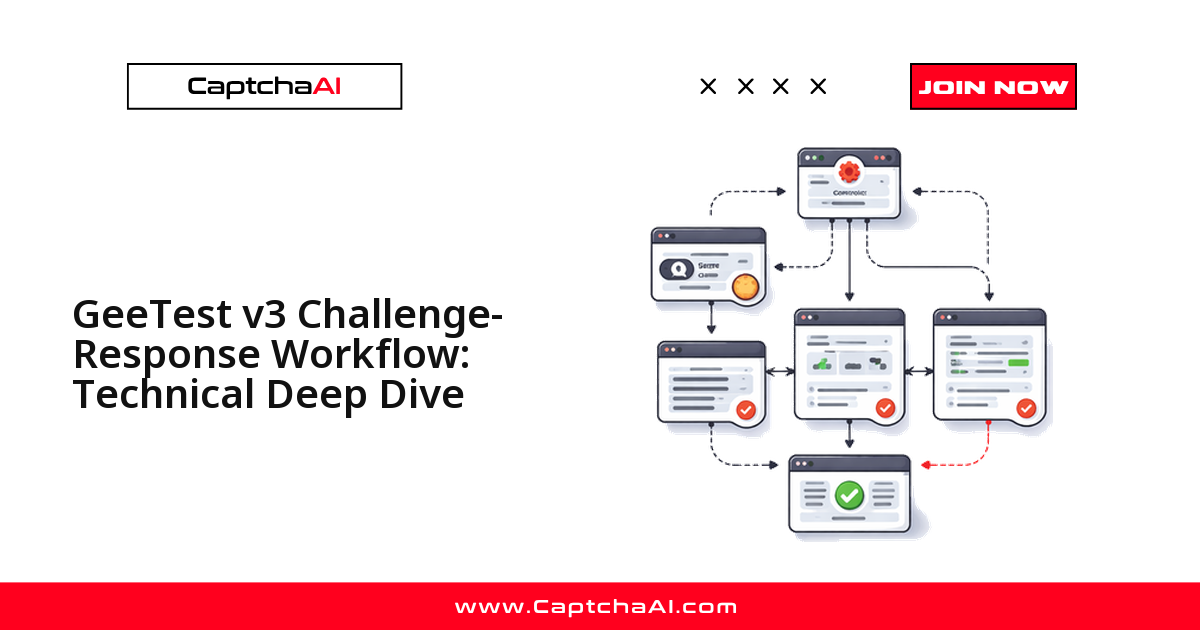
Si esperas que GeeTest v3 te devuelva un único token como reCAPTCHA, tu integración fallará. GeeTest v3 no entrega un valor, sino tres — geetest_challenge, geetest_validate y geetest_seccode — válidos solo si antes extraes de la página los parámetros gt y challenge correctos. Esta guía recorre el protocolo desafío-respuesta fase por fase y muestra dónde encaja CaptchaAI.
- Registro: el servidor obtiene
gtychallengede GeeTest. - Resolución: el widget genera
geetest_challenge,geetest_validateygeetest_seccode. - Verificación: el servidor valida esos tres valores contra GeeTest.
El protocolo en dos fases
El flujo tiene dos fases. En la primera, el backend del sitio pide a GeeTest un desafío nuevo y recibe gt y challenge; en la segunda, el navegador renderiza el reto, la persona lo resuelve y el servidor valida el resultado. Los dos intercambios se ven así:
Site Backend → GeeTest Server: "Give me a challenge for this user"
GeeTest Server → Site Backend: { gt, challenge, new_captcha }
Site Backend → Browser: Passes gt and challenge to the page
Browser: Renders slider/puzzle using gt + challenge
User: Solves the challenge
Browser → Site Backend: { geetest_challenge, geetest_validate, geetest_seccode }
Site Backend → GeeTest Server: Verifies the three values
GeeTest Server → Site Backend: { result: "success" }
Recorrido paso a paso
Paso 1: registro
El backend del sitio llama al endpoint de registro de GeeTest:
GET https://api.geetest.com/register.php?gt=GT_ID&json_format=1
Respuesta:
{
  "success": 1,
  "gt": "81dc9bdb52d04dc20036dbd8313ed055",
  "challenge": "a1b2c3d4e5f6g7h8i9j0k1l2m3n4o5p6",
  "new_captcha": true
}
gt: el GeeTest ID que identifica la cuenta del sitio.challenge: el token único de esta sesión.new_captcha: indica si se usa el nuevo formato de CAPTCHA.
Importante: el valor
challengees de un solo uso y caduca rápido; cada carga de página genera uno nuevo.
Paso 2: renderizado del desafío
El navegador recibe gt y challenge e inicializa el widget:
initGeetest({
  gt: "81dc9bdb52d04dc20036dbd8313ed055",
  challenge: "a1b2c3d4e5f6g7h8i9j0k1l2m3n4o5p6",
  offline: false,
  new_captcha: true,
  product: "float"
}, function(captchaObj) {
  captchaObj.appendTo('#captcha-container');
  captchaObj.onSuccess(function() {
    var result = captchaObj.getValidate();
    // result contains: geetest_challenge, geetest_validate, geetest_seccode
  });
});
Paso 3: tipos de desafío
GeeTest v3 elige el reto según la configuración del sitio y el perfil de riesgo del usuario:
- Slider: arrastra una pieza para completar la imagen.
- Clic en iconos: pulsa los iconos en la secuencia mostrada.
- Clic en texto: pulsa los caracteres chinos en el orden correcto.
- Espacial: resuelve un reto de razonamiento espacial.
Paso 4: valores de la solución
Al resolverlo, el widget produce tres valores:
{
  "geetest_challenge": "a1b2c3d4e5f6g7h8i9j0k1l2m3n4o5p6xy",
  "geetest_validate": "abc123def456_validate",
  "geetest_seccode": "abc123def456_validate|jordan"
}
geetest_challenge: el token de desafío modificado (original + 2 caracteres extra).geetest_validate: el hash de validación.geetest_seccode: el código de seguridad (validate + sufijo\|jordan).
Paso 5: verificación en el servidor
El backend envía los tres valores a GeeTest para verificarlos:
POST https://api.geetest.com/validate.php

seccode=abc123def456_validate|jordan
&challenge=a1b2c3d4e5f6g7h8i9j0k1l2m3n4o5p6xy
&sdk=geetest-python-3.0.0
Nota: el
seccodey elchallengeviajan juntos; GeeTest los compara para confirmar que la resolución es auténtica.
{
  "seccode": "abc123def456_validate",
  "validate": "abc123def456_validate"
}
Cómo extraer gt y challenge
Para resolver con CaptchaAI necesitas gt y challenge de la página. Tienes tres formas de obtenerlos:
Método 1 — interceptar la respuesta de registro:
from playwright.sync_api import sync_playwright
import json

with sync_playwright() as p:
    browser = p.chromium.launch()
    page = browser.new_page()

    geetest_params = {}

    def handle_response(response):
        if "register" in response.url and "geetest" in response.url:
            data = response.json()
            geetest_params["gt"] = data.get("gt")
            geetest_params["challenge"] = data.get("challenge")

    page.on("response", handle_response)
    page.goto("https://staging.example.com/qa-login")

    # Wait for GeeTest to load
    page.wait_for_selector(".geetest_holder")
    print(f"gt: {geetest_params.get('gt')}")
    print(f"challenge: {geetest_params.get('challenge')}")
Método 2 — leer el DOM de la página:
gt = page.evaluate("() => document.querySelector('[data-gt]')?.dataset.gt")
challenge = page.evaluate("() => document.querySelector('[data-challenge]')?.dataset.challenge")
Método 3 — parsear la llamada initGeetest:
import re
source = page.content()
gt_match = re.search(r"gt['\"]?\s*[:=]\s*['\"]([a-f0-9]{32})['\"]", source)
challenge_match = re.search(r"challenge['\"]?\s*[:=]\s*['\"]([a-f0-9]{32})['\"]", source)
Resolver con CaptchaAI
Envía los parámetros extraídos:
POST https://ocr.captchaai.com/in.php
key=YOUR_API_KEY
&method=geetest
>=81dc9bdb52d04dc20036dbd8313ed055
&challenge=a1b2c3d4e5f6g7h8i9j0k1l2m3n4o5p6
&pageurl=https://staging.example.com/qa-login
&json=1
Consulta el resultado con un sondeo:
GET https://ocr.captchaai.com/res.php?key=YOUR_API_KEY&action=get&id=TASK_ID&json=1
CaptchaAI devuelve los tres valores listos para la verificación del sitio:
{
  "status": 1,
  "request": {
    "geetest_challenge": "a1b2c3d4e5f6g7h8i9j0k1l2m3n4o5p6xy",
    "geetest_validate": "abc123def456_validate",
    "geetest_seccode": "abc123def456_validate|jordan"
  }
}
- Recibes
geetest_challenge,geetest_validateygeetest_seccode. - Inyéctalos en los inputs del formulario y envíalos al paso de verificación del sitio.
Cuánto cuesta a escala
Un equipo en Buenos Aires que valida su propio flujo de registro con GeeTest v3 no paga por cada CAPTCHA resuelto, sino por threads concurrentes. El plan BASIC ($15/mes, 5 threads) cubre cinco verificaciones en paralelo con resoluciones ilimitadas; ADVANCE ($90/mes, 50 threads) escala la concurrencia sin coste por resolución. Un costo mensual en USD es más fácil de presupuestar.
Modo online vs offline
GeeTest v3 tiene un modo de reserva para cuando sus servidores no responden:
- Online (
success=1): desafío-respuesta normal contra los servidores de GeeTest. - Offline (
success=0): verificación local simplificada; la mayoría de los sitios usa el modo online.
Errores frecuentes
challengevacío: el registro falló; comprueba que el sitio carga GeeTest correctamente.- Solución rechazada: el
challengecaducó; extrae uno nuevo y resuélvelo de inmediato. gtincorrecto: hay varias instancias de GeeTest en la página; usa la del widget correcto.- El formulario no se envía: faltan campos; inyecta los tres valores en los inputs correctos.
Preguntas frecuentes
¿En qué se diferencia GeeTest v3 de reCAPTCHA al integrarlo?
reCAPTCHA se resuelve con un único token; GeeTest v3 encadena tres valores. Tu backend debe reenviar los tres a la verificación del sitio: con uno o dos, el envío se rechaza.
¿Qué hago si baja la tasa de éxito al resolver GeeTest v3?
Casi siempre es un challenge caducado: extráelo y resuélvelo de inmediato, sin reutilizarlo. Comprueba también que pasas el gt del widget correcto.
¿Necesito un navegador headless para extraer gt y challenge?
No siempre. Puedes interceptar la respuesta de registro o leer la llamada initGeetest del código fuente. El navegador headless (Playwright) ayuda cuando el sitio inyecta los parámetros por JavaScript.
¿Con qué plan de CaptchaAI conviene empezar para GeeTest v3?
Con BASIC ($15/mes, 5 threads) para pruebas de bajo volumen; sube a ADVANCE ($90/mes, 50 threads) cuando necesites más resoluciones en paralelo. Todos los planes incluyen resoluciones ilimitadas por thread.
Artículos relacionados
- Resolver GeeTest v3 con Node.js
- Resolver GeeTest v3 en Node.js con CaptchaAI
- Análisis a fondo de la API de reCAPTCHA Enterprise Assessment
Próximos pasos
¿Listo para automatizar la parte difícil? Consigue tu API key de CaptchaAI e integra la respuesta de tres valores en tu flujo de trabajo.